Vibration Detection System using Arduino, HC-05 & MIT App | Proteus + Real Hardware | Step-by-Step DIY
Learn how to build a smart Vibration Alert System using Arduino, HC-05 Bluetooth, and MIT App Inventor. Get real-time vibration notifications on your Android phone using this low-cost DIY project. Includes Proteus simulation, hardware setup, Arduino code, and .aia app file.
In this project tutorial, we will show you how to build a Vibration Detection and Alert System using an Arduino Uno, a vibration sensor (SW-420), the HC-05 Bluetooth module, and an Android App created using MIT App Inventor. This system detects vibrations and sends a real-time notification to your smartphone via Bluetooth.
This is an ideal project for engineering students, DIY electronics enthusiasts, and anyone interested in IoT (Internet of Things).
Project Overview
What You Will Learn:
-
How to simulate the vibration sensor circuit in Proteus
-
How to write Arduino code to detect vibration
-
How to connect HC-05 Bluetooth module to Arduino
-
How to build an Android app using MIT App Inventor
-
How to get real-time phone notifications for vibration
Components Used:
- Arduino Uno – https://amzn.to/4kr80GB
- Vibration Sensor Module (SW-420) – https://amzn.to/3TXDskO
- HC-05 Bluetooth Module – https://amzn.to/4kpPrT9
- Android Phone – Use any Android device
- 9V Battery – https://amzn.to/3IceETy
- USB Cable for Arduino – https://amzn.to/3TY9BZu
- Jumper Wires (Male-to-Male / Male-to-Female) – https://amzn.to/44Nlmbq
- MIT App Inventor (Free Tool) – https://appinventor.mit.edu
Circuit Diagram & Proteus Simulation
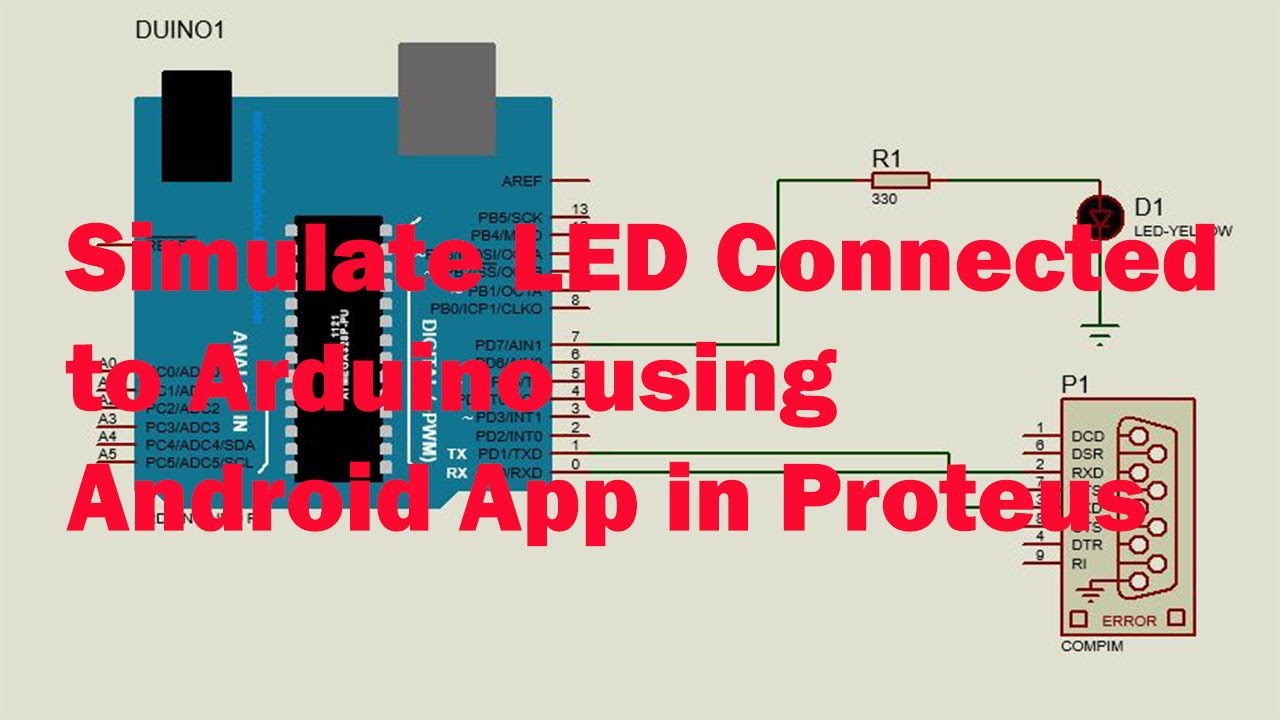
You can first simulate the circuit using Proteus to test how the vibration sensor will behave. Connect the SW-420 vibration sensor to the Arduino’s digital pin and connect the HC-05 module to the TX/RX pins.
Once simulated successfully, replicate the same on actual hardware.
Arduino Code
The Arduino code continuously checks the vibration sensor status. When vibration is detected, it sends the message "Vibration Detected" to the serial port (and HC-05), which is then picked up by the Android App.


Android App using MIT App Inventor
Using MIT App Inventor, you can create a simple app that:
-
Connects to the HC-05 Bluetooth module
-
Listens for incoming messages from Arduino
-
Shows a pop-up alert when "Vibration Detected" is received
The .aab file and APK can be downloaded from the link below.
Download Arduino Code + MIT App (.aab + APK)
To unlock the download link, follow these steps:
- Subscribe to our YouTube channel: Overall Technical Gyan
- Then click the button below to unlock the files
Applications of This Project
-
Home Security Systems
-
Tamper Detection in Machinery
-
Earthquake Detection Systems
-
Smart Lab Equipment Safety
-
Locker/door movement detection
Video Tutorial
Watch the full video tutorial with all steps covered including:
-
Proteus simulation
-
Real hardware setup
-
MIT App Inventor tutorial
-
Final testing and result
Watch Now on YouTube:
https://youtu.be/oI1oVC7OzYw
Need Help?
Have questions or want to collaborate on projects like this?
Contact us at: contact@overalltechnicalgyan.com
Files
What's Your Reaction?