LoRa Mastery 0.3 – LoRa Configuration Explained
Learn how to configure LoRa using RYLR999 AT commands. This beginner-friendly guide explains frequency, network ID, address, spreading factor, bandwidth, and power settings step by step.
In the previous part, we successfully wired the RYLR999 LoRa module and verified communication using AT commands.
In this article, we will focus on LoRa configuration. Proper configuration is critical before sending wireless data between two LoRa modules.
If you are new to this series:
What Is LoRa? Beginner Guide (Part 0.1)
RYLR999 Wiring and First AT Command (Part 0.2)
Why LoRa Configuration Is Important
Two LoRa modules will communicate with each other only if their configuration parameters match.
Incorrect configuration is the most common reason why beginners fail to send data over LoRa.
Basic LoRa Configuration Parameters
The RYLR999 module allows configuration using AT commands. The most important parameters are:
- Frequency
- Network ID
- Device Address
- Spreading Factor
- Bandwidth
- Transmit Power
Setting the LoRa Frequency
LoRa operates in license-free ISM frequency bands. Common frequencies include 433 MHz, 868 MHz, and 915 MHz.
Example AT command to set frequency:
AT+FREQ=865000000
Both transmitter and receiver must use the same frequency.
Setting Network ID
Network ID ensures that only LoRa devices within the same network can communicate with each other.
AT+NETWORKID=5
All communicating modules must have the same Network ID.
Setting Device Address
Each LoRa module must have a unique address. This allows point-to-point or one-to-many communication.
AT+ADDRESS=1
Example for second module:
AT+ADDRESS=2
Spreading Factor Explained
Spreading Factor controls range and data rate. Higher spreading factor increases range but reduces speed.
AT+PARAMETER=12,7,1,4
In this command:
- 12 = Spreading Factor
- 7 = Bandwidth
- 1 = Coding Rate
- 4 = Preamble Length
Transmit Power Setting
Transmit power affects communication range. Higher power increases range but also increases power consumption.
AT+CRFOP=15
Use power values responsibly and within local regulations.
Common Configuration Mistakes
- Different frequencies on transmitter and receiver
- Mismatched Network ID
- Incorrect device address
- Unsupported parameter values
- Forgetting to reset after configuration
Continue the LoRa Mastery Series
- What Is LoRa? Beginner Guide (Part 0.1)
- RYLR999 Wiring and First AT Command (Part 0.2)
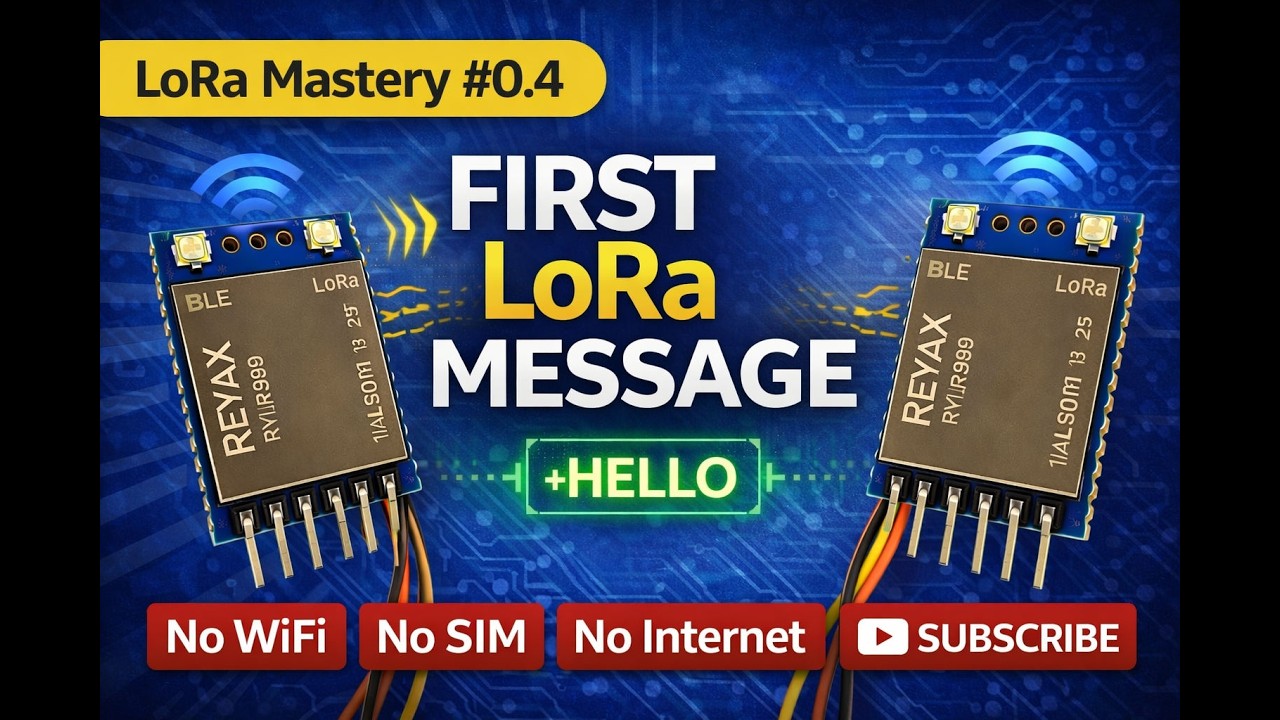
- First Wireless Message Without Internet (Part 0.4)
Frequently Asked Questions
Do both LoRa modules need the same configuration?
Yes. Frequency, Network ID, and communication parameters must match on both modules.
Which frequency should I use for LoRa?
The frequency depends on your country regulations. Common bands are 433 MHz, 868 MHz, and 915 MHz.
Does higher spreading factor increase range?
Yes. Higher spreading factor increases range but reduces data transmission speed.
Is configuration required every time?
No. Configuration is stored in the module memory and remains after power restart.
Stay Connected
Subscribe to Overall Technical Gyan to continue learning LoRa, Arduino, ESP32, and practical IoT communication.
External References
What's Your Reaction?