LoRa Mastery 0.2 – RYLR999 Wiring and First AT Command
This guide will show you how to correctly wire the RYLR999 LoRa module and send your first AT command successfully.
In the previous part, we learned what LoRa is and how long-range wireless communication works. In this article, we move from theory to practice.
This guide will show you how to correctly wire the RYLR999 LoRa module and send your first AT command successfully.
New to LoRa?
Start from the basics here: What Is LoRa? Beginner Guide (Part 0.1)
What Is the RYLR999 LoRa Module?
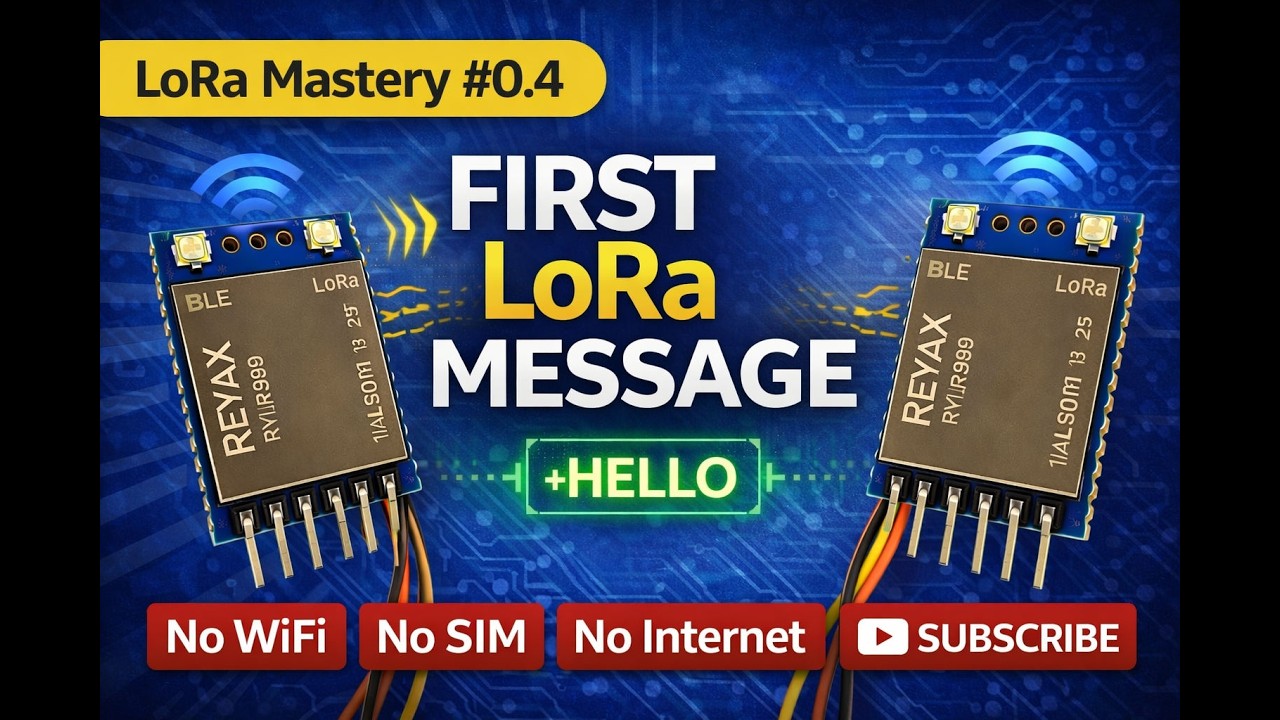
The RYLR999 is a LoRa transceiver module based on Semtech LoRa technology. It supports AT commands, making it ideal for beginners who want to learn LoRa communication without complex programming.
The module can communicate directly with another LoRa module using serial commands, without internet or gateways.
RYLR999 Pin Description
| Pin Name | Description |
|---|---|
| VCC | Power supply (3.3V to 5V depending on variant) |
| GND | Ground |
| TXD | Transmit data (connect to RX of USB-TTL or Arduino) |
| RXD | Receive data (connect to TX of USB-TTL or Arduino) |
| ANT | Antenna connection |
RYLR999 Wiring Connections
You can connect the RYLR999 module using either a USB-to-TTL converter or an Arduino board.
Using USB to TTL Converter
- RYLR999 VCC → USB-TTL VCC
- RYLR999 GND → USB-TTL GND
- RYLR999 TXD → USB-TTL RX
- RYLR999 RXD → USB-TTL TX
Make sure the antenna is connected before powering the module. Operating without an antenna may damage the module.
Setting Up Serial Communication
After wiring the module, open a serial terminal software such as Arduino Serial Monitor, PuTTY, or any USB serial terminal.
- Baud rate: 115200
- Data bits: 8
- Stop bits: 1
- Parity: None
- Line ending: Both NL and CR
Sending Your First AT Command
To check if the RYLR999 module is working correctly, send the following command:
AT
If the module is connected properly, it will respond with:
OK
This confirms that the wiring and serial communication are correct.
Common Wiring and Communication Issues
- No response to AT command usually indicates TX/RX mismatch
- Incorrect baud rate can cause unreadable output
- Loose ground connection can cause unstable behavior
- Missing antenna can reduce performance or damage the module
Continue the LoRa Mastery Series
- What Is LoRa? Beginner Guide (Part 0.1)
- LoRa Configuration Explained (Part 0.3)
- First Wireless Message Without Internet (Part 0.4)
Frequently Asked Questions
What voltage does the RYLR999 use?
Most RYLR999 modules operate at 3.3V to 5V. Always check the module specifications before connecting power.
Why is my RYLR999 not responding to AT commands?
This is usually caused by incorrect TX and RX connections, wrong baud rate, or missing ground connection.
Is coding required to use AT commands?
No. AT commands can be sent directly from a serial terminal without writing any code.
Can I connect RYLR999 to Arduino or ESP32?
Yes. The module can be connected to both Arduino and ESP32 boards, which will be covered in upcoming phases.
Stay Connected
Follow Overall Technical Gyan to continue learning LoRa, Arduino, ESP32, and real-world IoT projects.
External References
What's Your Reaction?